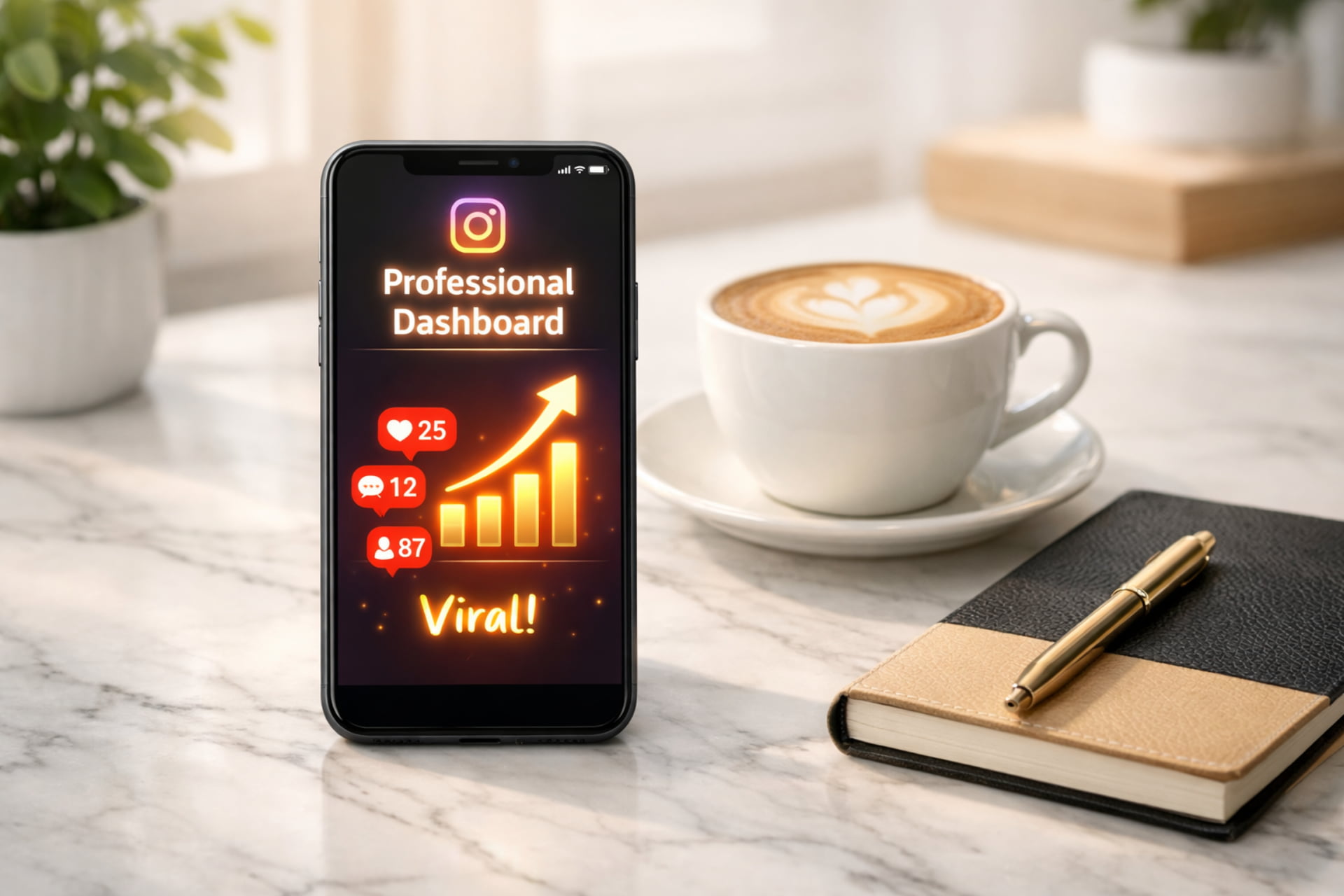
Are you dreaming of turning your Instagram account into a thriving business? Perhaps you want to become a successful content creator? If the answer is yes, you are in the right place. Many people post daily but struggle to see any growth. This happens because they overlook the technical settings that control the Instagram algorithm. In this detailed guide, we will walk through the exact professional settings you need. We will cover everything from dashboard tools to hidden Instagram reach secrets. By the end of this post, you will have a clear roadmap to increase your Instagram reach and engagement.
Step 1: Switching to a Professional Dashboard
Before you do anything else, you must tell Instagram that you are a creator or a business. You cannot grow effectively on a private or standard personal account.
To begin, go to your Instagram profile and tap the three lines in the top right corner. Navigate to Settings, then find the Account Type and Tools option. Here, you must select Switch to Professional Account.
During this process, Instagram will ask you several questions about your content. It is vital to select the correct category (e.g., Chef, Digital Creator, or Entrepreneur). Choosing the right category helps the Instagram AI understand exactly what your content is about. Consequently, it will show your posts to the right audience.
Using the Inspiration Tool
Once you have moved to a professional dashboard, a new world of tools opens up. Inside your dashboard, look for the Inspiration tab. This feature shows you what is trending in your specific niche. You can see what other creators are doing and use those ideas to fuel your own creativity.
Step 2: Mastering the Instagram Algorithm (Best Practices)
Instagram now provides a “Best Practices” section within the professional dashboard. This is essentially a free course from Instagram on how to grow. Let’s break down the core pillars of creation that Instagram recommends.
1. Consistent Reel Creation
How often should you post? Instagram suggests that beginners should aim to post one Reel every single day. For established creators who already have a strong following, the recommendation is at least 10 Reels per month. Consistency is the fuel that keeps the algorithm running in your favor.
2. Capture Attention with Carousels
Reels are great, but do not ignore carousels. These are posts with multiple photos or videos that users swipe through. Instagram loves carousels because they keep people on the app longer. Therefore, you should mix carousels into your posting schedule to boost your “dwell time.”
3. The 3-Second Hook Rule
In the digital world, every second counts. Instagram explicitly states that you must grab the viewer’s attention within the first 3 seconds. Whether you say something shocking or use a bold text overlay, you must give the audience a reason to stop scrolling.
4. Cover Current Events and Trends
Stay relevant by covering trending topics within your niche. If there is a new challenge or a viral news story, be the first to talk about it. Using trending sounds or “audio” while discussing current events is a proven way to go viral.
5. Relevant Metadata (SEO for Instagram)
When you post, do not just leave the caption blank. You must write relevant captions that describe your video. Additionally, use the Add Topics feature and always include your location. These small details act as SEO keywords for Instagram’s search engine.
6. High-Quality Technical Standards
Instagram will not recommend blurry videos to new people. Your Reels must be high quality (at least 720p or higher) with a frame rate of 30 frames per second. Always check your lighting and camera clarity before filming.
Step 3: Boosting Your Engagement Strategy
Engagement is more than just likes; it is about building a personal connection. If people feel like they know you, they will support you forever.
1. Focus on Deeper Engagement
Check your insights to see which topics get the most comments and shares. If a particular topic sparks a debate or a lot of questions, create more content around that theme. Shares are the most powerful form of engagement for growth.
2. Make Your Content Relatable
The best content makes the viewer think, “That is exactly like me!” When people connect with your struggle or humor, they’re more likely to share your posts with their friends. This creates a ripple effect that boosts your reach naturally.
3. Appear on Camera
People connect with faces, not just logos. Try to appear on camera as much as possible. This builds a personal bond with your audience. As a result, they will feel a “personal connection” to your brand and trust your recommendations more.
4. The 48-Hour Reply Rule
When someone leaves a comment, do not ignore them. Instagram rewards creators who interact with their community. Try to reply to or like comments within a couple of days. This activity signals to the algorithm that your post is sparking a conversation.

Step 4: Understanding Your Reach and Analytics
You cannot improve what you do not measure. Use the Reach tab in your dashboard to understand your “Demographics.”
- Who is watching? Check the age, gender, and location of the audience.
- When are they active? Instagram provides a chart showing when your followers are most active. You should schedule your posts for these peak times to get immediate engagement.
Do not get discouraged if your reach varies. It is perfectly normal for one post to get 10,000 views and the next to get only 500. Reach fluctuates based on trends and user behavior. Instead of worrying, focus on long-term follower growth.
The Power of Collaboration
A great way to expand your reach is to team up with other creators. Use the “Invite Collaborator” feature. When you do this, the post appears on both profiles. Consequently, you get access to a brand-new audience that may not have known you existed.
Step 5: Monetization and Guidelines
Once you grow, it is time to earn. Instagram offers several ways to make money, including subscriptions, gifts, and brand partnerships.
Eligibility and Strikes
To earn money, your account must be in good standing. Check your eligibility in the professional dashboard regularly. Most importantly, never violate Community Guidelines.
Avoid these common mistakes:
- Long Reels: Keep your Reels under 90 seconds. Anything over 3 minutes is rarely recommended to new audiences.
- Watermarks: Never post a Reel that has a watermark from another app (like TikTok or CapCut). Instagram will actively shadowban these videos.
- Non-Original Content: Do not just repost other people’s videos. Originality is the key to becoming a recommended creator.
- Engagement Bait: Do not ask for “fake” likes or use apps to buy followers. Instagram’s AI is smart enough to detect this and will restrict your reach.
Step 6: The 5 Secret Viral Settings You Must Enable
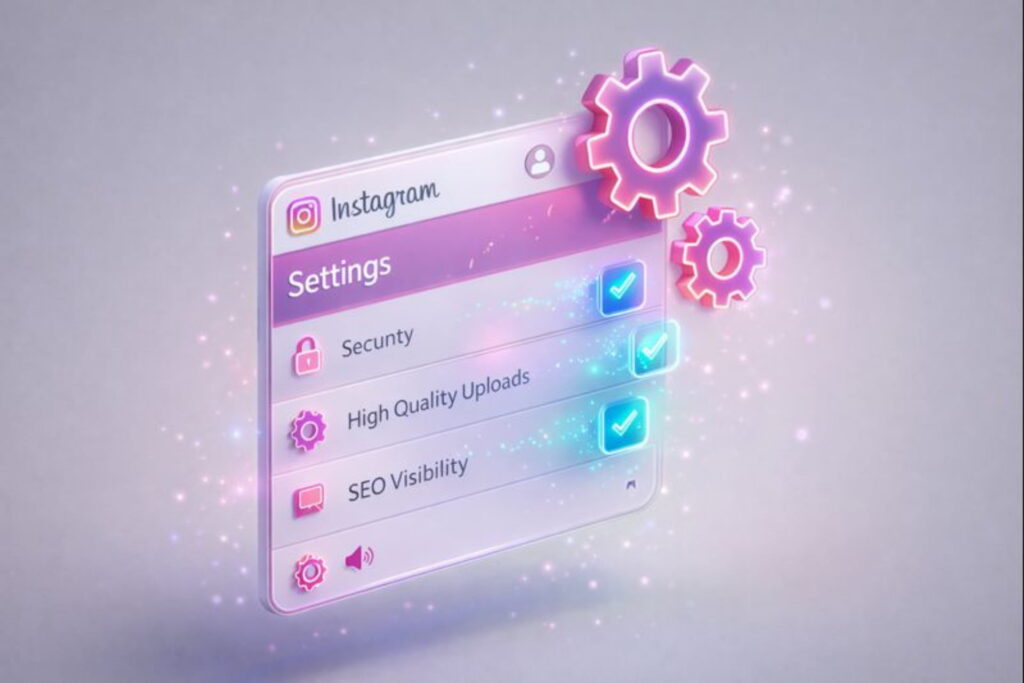
To truly go viral, you need to turn on these specific settings. These are often hidden deep in the menu.
- Search Engine Visibility: Go to Account Privacy and turn on “Allow public photos and videos to appear in search engine results.“ This allows your content to rank on Google as well as Instagram.
- Website Embeds: In Sharing and Reuse, enable Website Embeds. This allows bloggers to feature your Reels on their websites, giving you extra traffic.
- Account Status Check: Ensure you have “Green Ticks” on both Removed Content and Limits to Reach. If these are not green, your account is being restricted.
- Facebook Recommendation: In Crossposting, enable Facebook Recommendations. This allows your Instagram Reels to be shown to the massive audience on Facebook.
- High-Quality Uploads: In Media Quality, always turn on “Upload at Highest Quality.“ Without this, Instagram may compress your video and make it look blurry.
Step 7: Security and Community Building
Security is vital for any growing business. Go to Message and Story Replies and enable notifications for “Device or Key Changes.” This will alert you immediately if someone tries to hack or open your account from another device.
Use the Instagram Editing App
Did you know Instagram has its own editing tools? You can now use the internal Edits feature to polish your videos before posting. This ensures your content is optimized specifically for the platform’s dimensions.
Connect via Broadcast Channels
If you want to keep your fans engaged, start a broadcast channel. This is a one-to-many messaging tool where you can share behind-the-scenes updates. It makes your audience feel like they are part of an exclusive club.
Voiceovers and Personalization
Try using your own voiceover in your Reels. While trending music is good, your own voice adds a layer of authenticity. It makes your content feel more personal and helps you stand out from the thousands of others using the same song.
The “Interest Topics” Update (The 90% Secret)
There is a new update that 90% of users are ignoring. Go to your Settings, then Privacy, and look for Interest Topics. This area shows you exactly how Instagram has categorized your content.
If the topics listed there do not match what you post, you need to change your captions and hashtags. When your content matches the interest topics of your target audience, Instagram will automatically recommend your videos to them.
Remember
Growing on Instagram in 2026 is a mix of technical settings and creative storytelling. By switching to a professional account and following the “Best Practices,” you are already ahead of most users.
The algorithm loves consistency and quality. Turn on your viral settings, engage with your comments, and always provide value to your viewers. With patience and the right strategy, your reach will begin to soar.
Stay updated with the latest blogs by visiting our website.