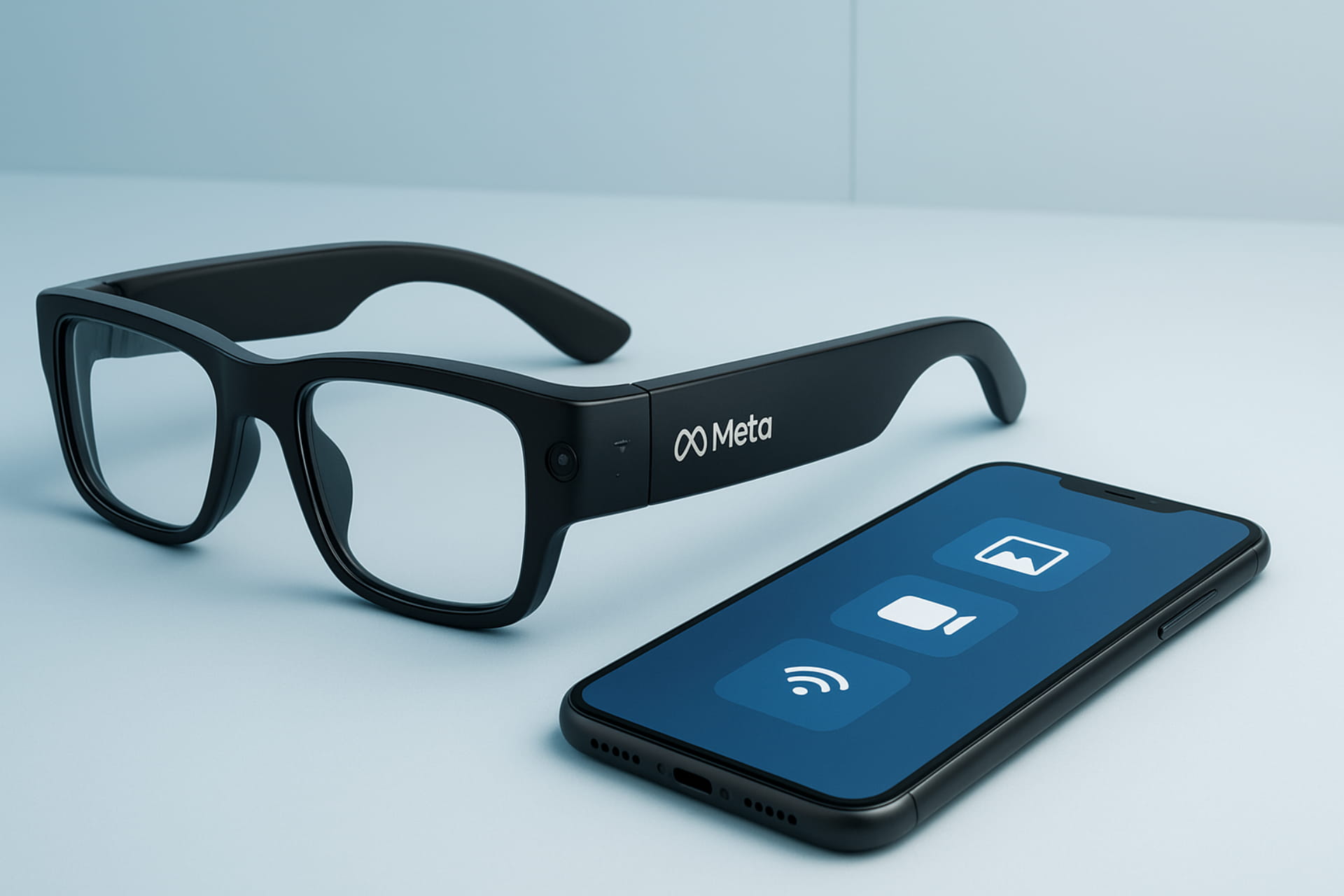
Are you curious about the latest innovations from Meta? Have you been wondering, “What can Meta smart glasses do?” You’re in the right place. Meta has teamed up with famous brands like Ray-Ban and Oakley. Together, they’ve created a new generation of Meta’s new glasses, smart glasses that do much more than just take photos. These devices bring a blend of style, technology, and AI right to your eyes. They’re made to work just like a part of your phone. You can stay connected and capture moments easily—without even taking your phone out.
This guide gives you a clear look at the new Meta smart glasses. You’ll learn about both the Ray-Ban Meta Display and the Oakley Meta Vanguard. We’ll go over their best features and how to use them, and answer all your main questions.
1. The Ray-Ban Meta’s new glasses Display: The Future on Your Lens
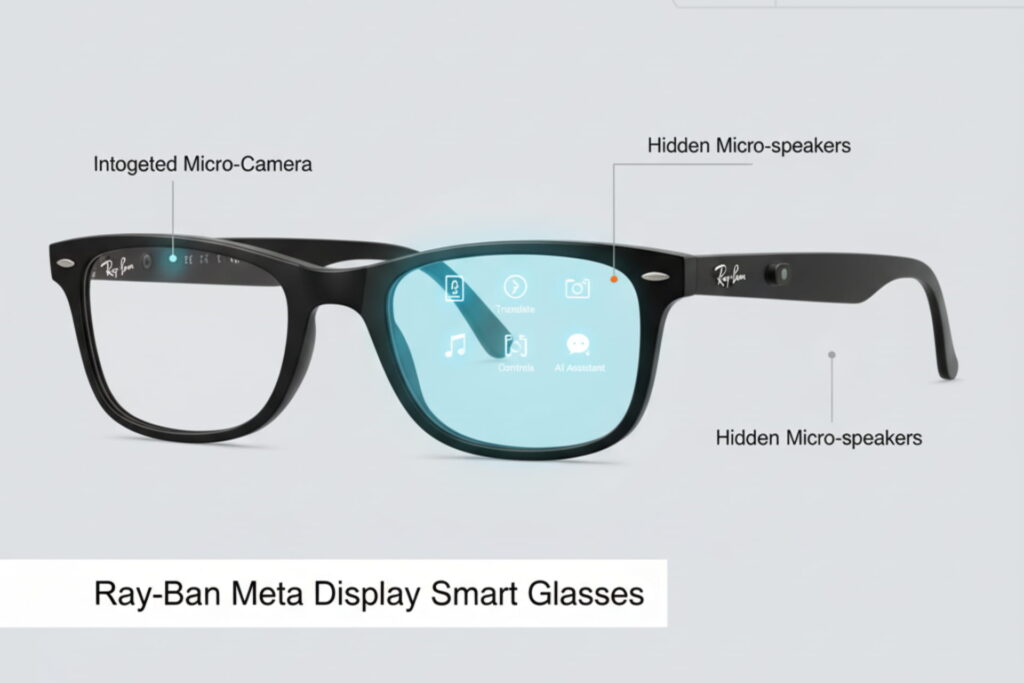
Meta has announced a new set of Ray-Ban smart glasses that take wearable tech to a new level. The Ray-Ban Meta Display is the first smart glass from a major brand with a built-in AR screen. It looks like a classic Wayfarer, so it fits right into your everyday style. The glasses also have a hidden camera, speakers, and a microphone—all built neatly into the frame.
Is there a display on Meta glasses?
Yes. A small, bright, and crisp color display is projected onto the inside of the right lens. It appears to float just below your eye line. This screen is not visible from the outside, so it doesn’t give away the high-tech nature of the glasses. The display shows everything from text and images to live video calls. It only appears when you interact with the glasses.
What can Meta Smart Glasses do?
The capabilities of the Ray-Ban Meta Display are truly impressive. They are powered by an on-board AI chatbot, which acts as your personal assistant. The glasses can:
- Provide live captions or translations of conversations. This is a game-changer for travel or multilingual environments.
- Give turn-by-turn walking directions right in your field of view.
- Display music playback controls to manage your favorite songs.
- Act as a viewfinder for photos and videos. This allows you to capture a moment exactly as you see it.
- You can use the camera to look at the world around you. It helps you get answers and information in real time. For example, you can ask for details on a painting or a recipe, and the AI will provide a picture and text answer.
2. The Oakley Meta Vanguard: Meta’s New Glasses for Athletes
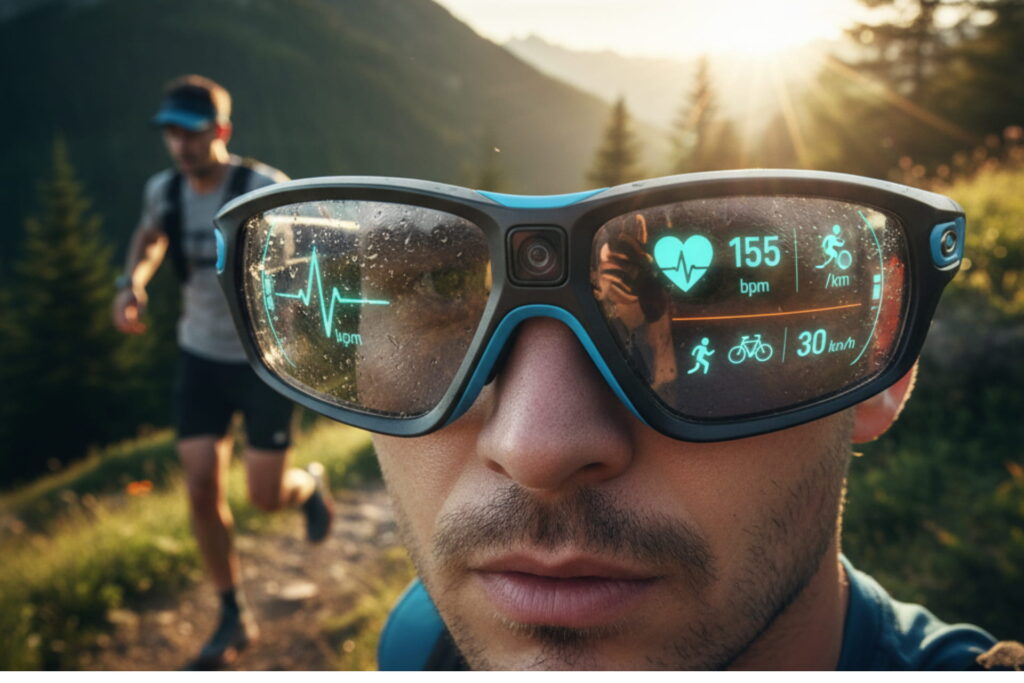
Meta has also launched the Oakley Meta Vanguard smart glasses. They’re built for people who love sports and fitness. They have a wrap-around shape, just like Oakley’s popular sports styles. The glasses come with a powerful front camera, built-in microphones, and speakers.
Are Meta glasses waterproof?
While not fully submersible, the Oakley Meta Vanguard glasses are water-resistant. This makes them great for workouts, running, and other activities. They can easily handle rain and sweat. They are built to withstand the elements, ensuring durability during exercise.
What can they do for sport?
The Oakley Meta Vanguard glasses are a runner’s or cyclist’s dream. They have partnered with the leading sports tracker maker, Garmin. Users can ask for real-time data such as their current speed, pace, heart rate, or distance. An LED light inside the glasses flashes when you hit a set goal. This helps you stay on track without losing focus. The camera can record short video clips on its own. It captures moments automatically—like when you complete a kilometer, reach a set speed, or hit a target heart rate. This creates a highlight reel of your workout that you can share with data overlays. Images and videos can be shared directly to platforms like Strava.
3. Connectivity and Usage: Seamless Integration

One of the main questions for new users is “How to use the new Meta glasses?” The experience is designed to be as simple as using your phone.
How do you connect to Meta glasses?
The new Meta glasses connect to your smartphone via Bluetooth. They require a constant connection to an Android or iPhone to function properly. You can manage all your photos, videos, and app features using the Meta Glasses app.
Just install the app on your phone to get started.
Can Meta glasses work without a phone?
No, a phone is required. The glasses connect to your phone through Bluetooth. The glasses connect to your phone through Bluetooth. This connection lets you send messages, make video calls, use the AI chatbot, and share data easily.
How to use the new Meta glasses?
Using the glasses is a mix of touch and voice control. They have a touch panel on the arms for simple actions like swiping or tapping. You can also use voice commands for more direct interactions with the AI. The Meta Ray-Ban Display also includes a water-resistant wristband called the Neural Band. It can sense tiny electrical signals in your forearm. You can control the glasses with your hands. Use simple gestures like a pinch, a swipe, or a tap.
Can Meta glasses take photos?
Yes, both models of the new Meta smart glasses can take photos and videos. They are made for easy content capture. You can quickly take a photo or start recording a video from your point of view.
How long can Meta glasses record?
The Ray-Ban Meta Display has a battery life of up to six hours of mixed use. The Oakley Meta Vanguard offers even more, with up to nine hours of use. The recording time depends on how long you use the glasses without breaks. However, the battery is built to last a full day with normal use.
How to use WhatsApp on Meta glasses?
The glasses work with Meta’s apps like WhatsApp, Messenger, and Instagram. You can use them to send messages or make video calls easily. You can also use voice commands to send a message or start a call—right from the glasses.
4. Practicalities: Charging, Lenses, and Maintenance
Apart from the tech, there are a few simple questions to help you use the glasses smoothly.
Can I put my prescription in Meta glasses?
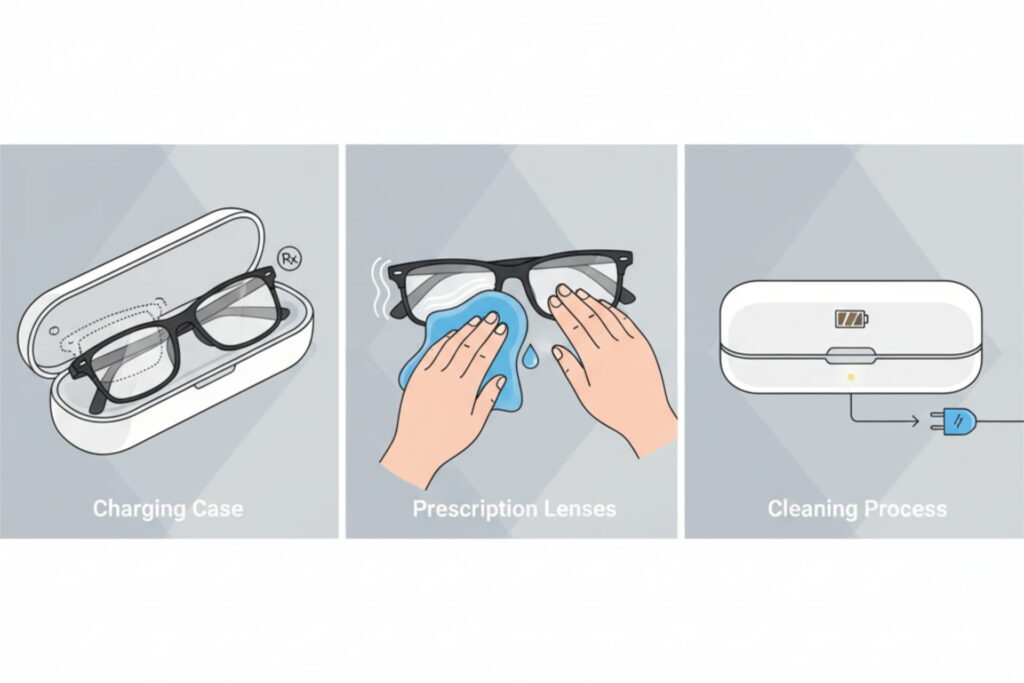
Yes, both the Ray-Ban Meta Display and the Oakley Meta Vanguard support prescription lenses. You can use them comfortably with your own vision needs. The Oakley model is even easier to use—it has swappable lenses, so you can quickly add your own prescription. This makes them a viable option for anyone who needs corrective lenses.
Meta glasses transition lenses
The Ray-Ban Meta Display will likely offer different types of lenses. One option may be transition lenses. which automatically change their tint depending on the light around you. This adds to the glasses’ versatility.
Meta glasses charger
The glasses come with a stylish and functional charging case. The case for the Ray-Ban Meta Display is a collapsible design and provides up to 30 hours of battery life on the go. The Oakley version also has a dedicated charging case. Simply place your glasses in the case, and they will begin charging.
How to clean meta glasses/meta glasses clear
To clean your Meta smart glasses, treat them like any other high-quality eyewear. Follow the same simple care steps you use for regular glasses. Use a soft microfiber cloth and a cleaning solution specifically made for lenses. Don’t use paper towels, cloths, or strong cleaning products. They can scratch or damage the lenses.
5. The Meta View App: Your Command Center
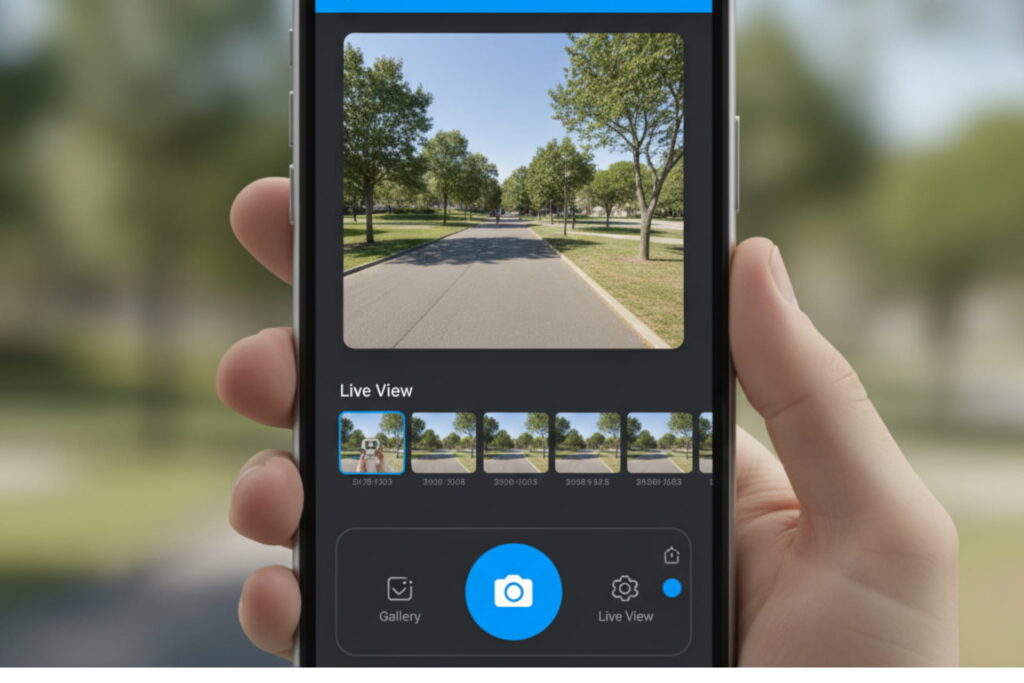
You can control all features and saved content through one app on your smartphone.
What are the key features of Meta View?
The data doesn’t mention an app named “Meta View.” However, the Meta Glasses app seems to offer the same features you’d expect from that kind of tool.
Key features include:
- Content Management: You can view, edit, and share all the photos and videos you take with your glasses.
- Settings and Customization: You can change the settings for your glasses easily. This includes options for voice commands and notifications.
- Live View: Use your phone to see what the glasses’ camera sees in real time.
What is the new rule of YouTube?
The new Meta glasses are not linked to any new YouTube rule. However, you must follow YouTube’s community guidelines and copyright rules when posting videos. Make sure your content is original and doesn’t use anyone else’s work without permission.
6. Risks and Conclusion
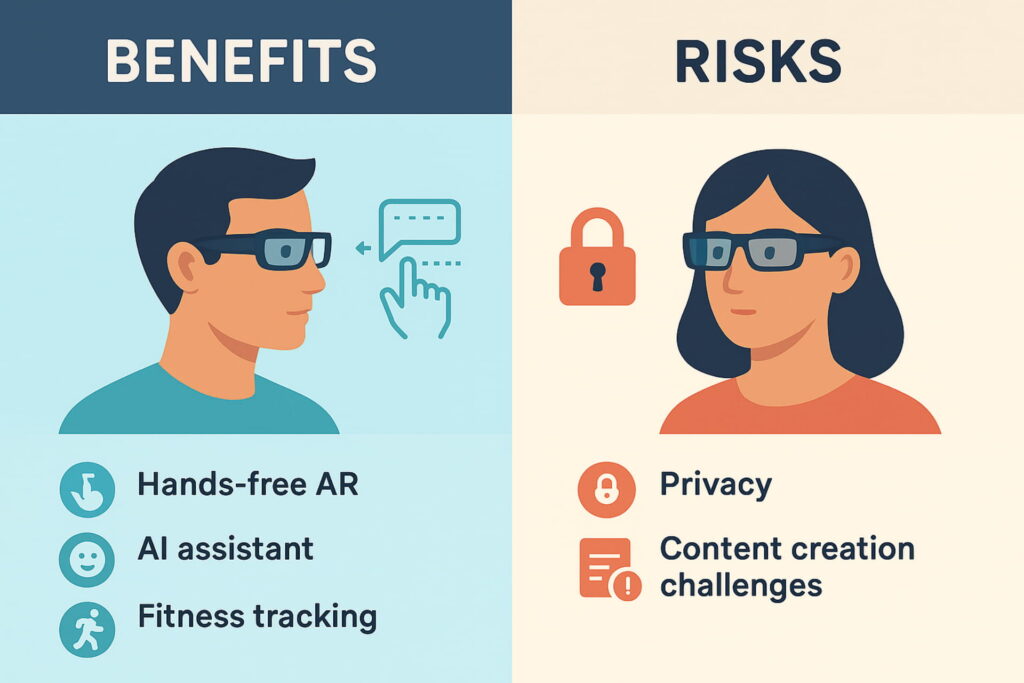
What are the risks of having a YouTube channel?
Creating a YouTube channel with these glasses has some risks. Just like any public social media account. You might face privacy issues and negative comments. You need to spend time and effort on making content.
Summary of Features and Pricing
- Meta Ray-Ban Display: Features a built-in AR display, an AI chatbot, and a new Neural Band for hand gestures. Available in the US from September 30, starting at $799.
- Oakley Meta Vanguard: It’s a water-resistant model made for athletes. It includes a camera and AI features and works with Garmin and Strava. Shipping from October 21 at £499 ($499).
- Second-generation Ray-Ban Meta AI: It’s an improved version of the original glasses. It offers twice the battery life and a higher-resolution camera. Available for £379 ($379).
The launch of these new smart glasses is a big step toward a hands-free future. They’re stylish, easy to use, and full of useful features. With them, capturing and interacting with the world feels smooth and effortless. These are not just glasses; they are a window into the next generation of personal technology.
Stay updated with the latest blogs by visiting our website.