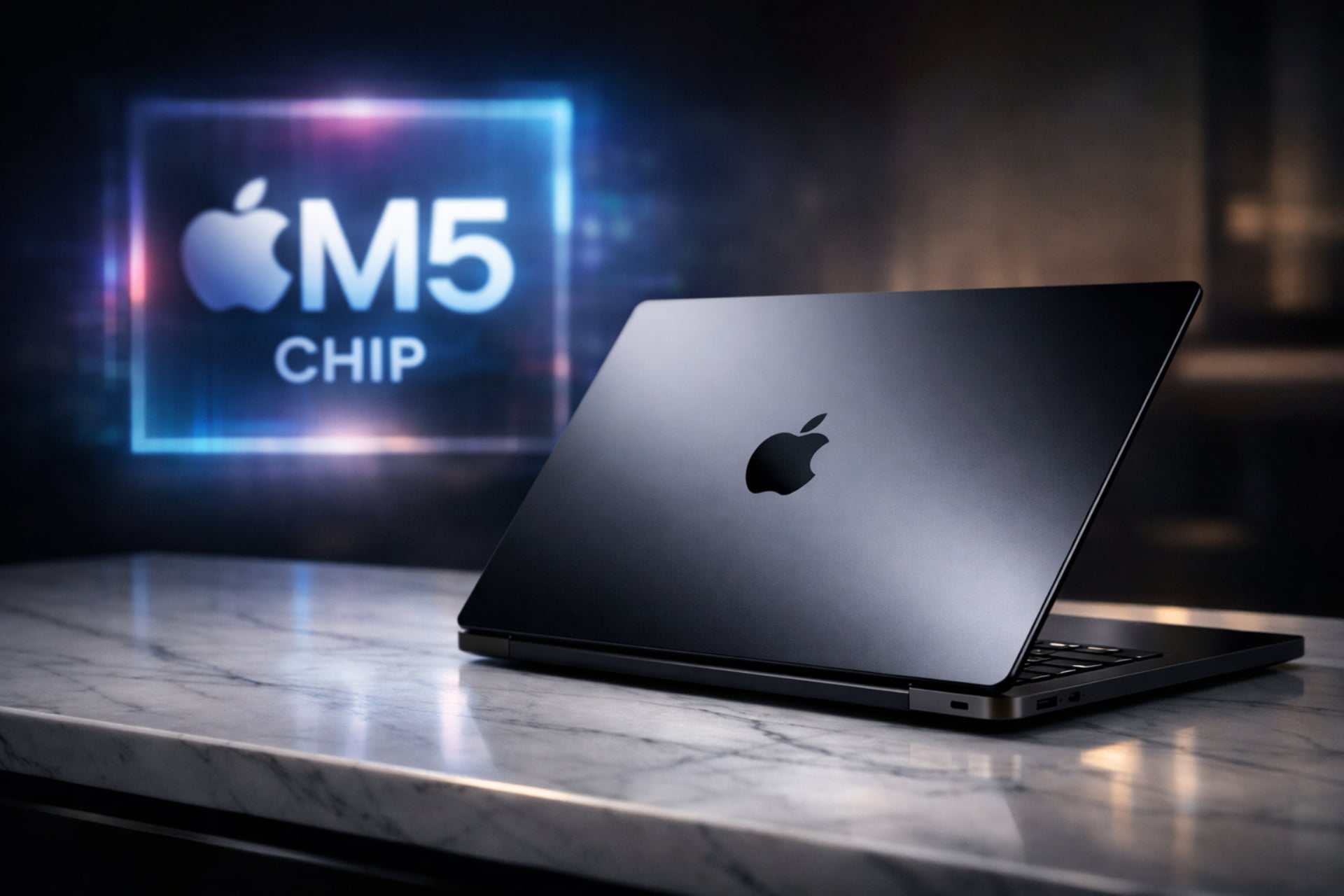
The world of technology moves forward at lightning speed. For Apple fans, the big question is always the same: Is it worth buying a MacBook Pro now? With the recent introduction of the M5 chip alongside the powerful M4 Pro and M4 Max, the choice has become more exciting yet complex.
Whether you are a student, a creative professional, or a software engineer, a laptop is a major investment. In this guide, we will dive deep into the specs, costs, and common concerns. By the end, you will know exactly which MacBook Pro fits your lifestyle and budget.
The Power of the M5 Series: A New Era of Performance
Apple has once again established a new benchmark for what a “professional” laptop is capable of offering. The M5 chip family is not just a small upgrade. It is a massive leap forward, specifically designed for the age of artificial intelligence.
1. The Standard M5 Chip
The base M5 chip is now available in the 14-inch model. It brings next-generation speed to everyday users. According to Apple, this chip is up to 6x faster than the original M1. It features powerful Neural Accelerators that allow you to fly through AI tasks, such as large language model (LLM) processing, at mind-bending speeds.
2. M4 Pro: The Professional Workhorse
If you are a scientist or a developer, the M4 Pro is your best friend. Available in both 14-inch and 16-inch sizes, it is 3x faster than the M1 Pro. It handles intensive projects with ease, ensuring that your workflow never stutters.
3. M4 Max: The Ultimate Powerhouse
For 3D VFX artists and film composers, the M4 Max is the undisputed king. It is 3.5x faster than the M1 Max. This chip is perfect for graphics-intensive workflows. With an enhanced third-generation ray-tracing engine, gaming and rendering feel more realistic than ever before.
Design and Display: Visuals That Pop
When you buy a MacBook Pro, you are paying for one of the best screens in the industry. The Liquid Retina XDR display is a masterpiece of engineering.
Firstly, it delivers up to 1,600 nits of peak HDR brightness. This means your highlights will be incredibly bright while your blacks remain deep and “true.” Secondly, the 1,000,000:1 contrast ratio ensures that every detail is visible. Whether you are editing a 4K movie or watching a high-end documentary, the visuals are stunning.
Size Options and Finishes
- 14-inch Model: Perfect for those who need portability without sacrificing power. It is available with M5, M4 Pro, or M4 Max chips.
- 16-inch Model: Designed for power users who need more screen real estate. It comes with either the M4 Pro or the M4 Max.
In terms of aesthetics, the Space Black finish remains a fan favorite. It is sleek and professional and features a special coating to reduce fingerprints.
Connectivity and Multimedia Features
Apple has listened to its users over the last few years. The current MacBook Pro is packed with ports, so you can stop carrying a dozen dongles.
Every model includes:
- Three Thunderbolt 4 or 5 ports (depending on the chip).
- An HDMI port for external monitors.
- A MagSafe 3 port for safe and fast charging.
- An SDXC card slot for photographers.
- A high-fidelity headphone jack.
The 12MP Center Stage Camera
Video calls have never looked better. The 12MP Center Stage camera uses AI to keep you in the frame even if you move around the room. Additionally, the Desk View feature allows you to share a top-down view of your workspace during a call. This is incredibly useful for teachers and designers.
Studio-Quality Audio
The sound system is equally impressive. With a six-speaker setup that supports Spatial Audio and Dolby Atmos, the laptop produces rich, room-filling sound. Furthermore, the three-mic array ensures your voice is crystal clear during recordings or meetings.
How Much Does a MacBook Pro Cost?
We cannot talk about “worth” without talking about the price. How much does a MacBook Pro cost in 2026? The price varies significantly based on the configuration.
- Entry Level (14-inch M5): Usually starts around $1,599.
- Mid-Range (14-inch/16-inch M4 Pro): Typically ranges from $1,999 to $2,499.
- High-End (16-inch M4 Max): Can easily reach $3,499 or more with added RAM and storage.
Why is it so expensive?
The price reflects the premium build quality. The enclosure is made from 100 percent recycled aluminum. Moreover, the integration of the Neural Engine and unified memory provides a level of speed that PC manufacturers often struggle to match at similar battery efficiencies.
What is the disadvantage of the MacBook Pro?
No laptop is perfect. Despite its power, there are some downsides you should consider before buying.
Non-Upgradable Hardware: Once you buy a MacBook, you cannot upgrade the RAM or SSD. You must choose your specs wisely at the time of purchase.
Price-to-Value Ratio: For basic tasks like web browsing or writing, the MacBook Pro is “overkill.” You might be paying for power you will never use.
Repair Costs: If you don’t have AppleCare+, repairing a cracked XDR screen or a liquid-damaged logic board can cost as much as a new laptop.
Weight: Especially the 16-inch model, these laptops are heavier than the MacBook Air. They can be a burden if you travel constantly.
What’s the Best Time to Buy a MacBook Pro?
Timing your purchase can save you hundreds of dollars. Generally, the best times to buy are
- Back-to-School Season (August/September): Apple often offers gift cards or discounts for students.
- Black Friday and Cyber Monday: Major retailers like Amazon and Best Buy usually slash prices on current models.
- Right after a New Launch: When the M5 was released, the M4 and M3 models saw huge price drops. If you don’t need the latest AI features, an older model is a great bargain.
Common MacBook Pro Problems and Battery Health
Is the MacBook Pro reliable? Yes, but it has its quirks.
Do MacBook Pros Overheat Easily?
Thanks to Apple Silicon, the current models are very efficient. They do not overheat during normal use. However, if you are rendering 8K video or playing high-end games for hours, the fans will kick in. The 16-inch model handles heat better than the 14-inch model due to its larger thermal surface area.
How to Keep Your MacBook Battery Healthy?
To ensure your laptop lasts for years, follow these tips:
- Avoid Extreme Temperatures: Never leave your laptop in a hot car.
- Use Optimized Battery Charging: Enable this setting in macOS to prevent the battery from sitting at 100% for too long.
- Don’t Let it Hit 0%: Try to keep your battery between 20% and 80% for maximum longevity.
How Many Years Does a MacBook Pro Usually Last?
A well-maintained MacBook Pro can easily last 6 to 8 years. Apple usually provides software updates for at least 7 years after a model is discontinued. Because the build quality is so high, the hardware often outlasts the software.
MacBook vs. Windows: Can I Switch?
A frequent question from Windows users is, “Can I use my MacBook as a Windows?” The answer is yes, but with a catch. Since the switch to Apple Silicon (M-series chips), you can no longer use “Boot Camp” to install Windows directly. However, you can use software like Parallels Desktop or VMware Fusion. These programs allow you to run Windows 11 as a “virtual machine” inside macOS. Most Windows apps work this way perfectly, though high-end Windows gaming can be hit-or-miss.
Which MacBook Should I Buy? Air vs. Pro
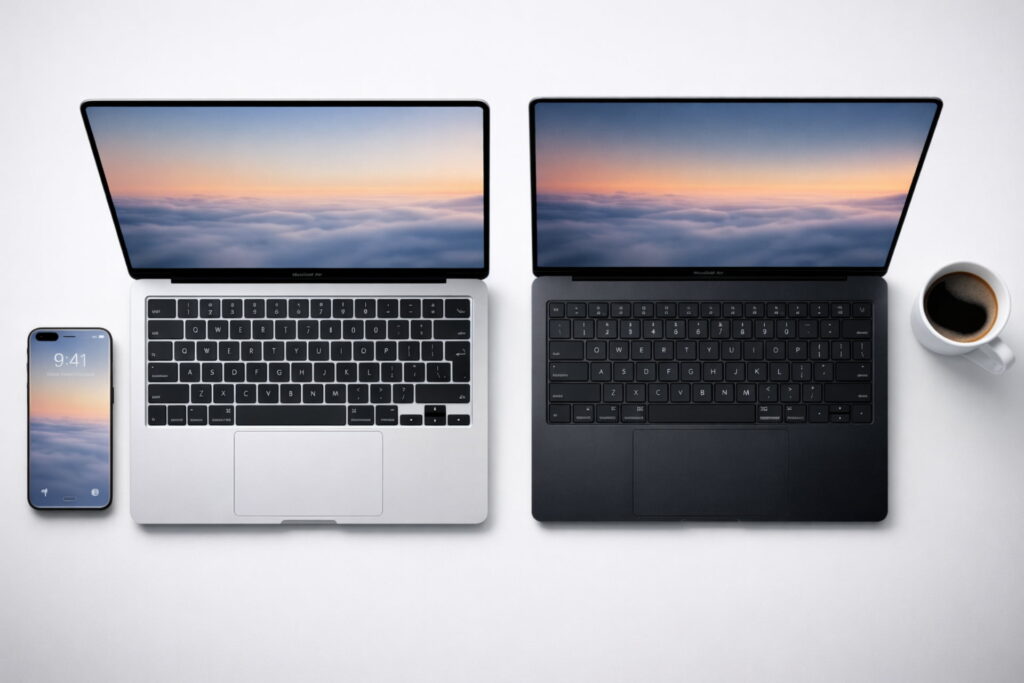
Choosing between the MacBook Air and the MacBook Pro depends entirely on your workload.
Choose the MacBook Air if:
- You mainly use the laptop for school, office work, or streaming.
- You want something light and easy to carry.
- You are on a tighter budget.
Choose the MacBook Pro if:
- You do heavy video editing, 3D modeling, or coding.
- You need the best possible screen (XDR vs. Liquid Retina).
- You need active cooling (fans) for long work sessions.
- You want more ports (HDMI and SD card slot).
Final Thoughts: The Verdict for 2026
So, is it worth buying a MacBook Pro now? In short, yes. If you are currently using an Intel-based Mac or an early M1 model, the jump to the M5 or M4 series will feel like moving from a bicycle to a rocket ship. The inclusion of Thunderbolt 5, the 12MP Center Stage camera, and the AI-focused Neural Engine makes these laptops future-proof for years to come.
In summary, evaluate your needs. If you are a pro who needs raw power, the M4 Max 16-inch is a dream. If you are an aspiring creator, the 14-inch M5 offers the best balance of price and performance.
Always remember to check for student discounts and consider refurbished models from Apple’s official store to save some cash!
Stay updated with the latest blogs by visiting our website.