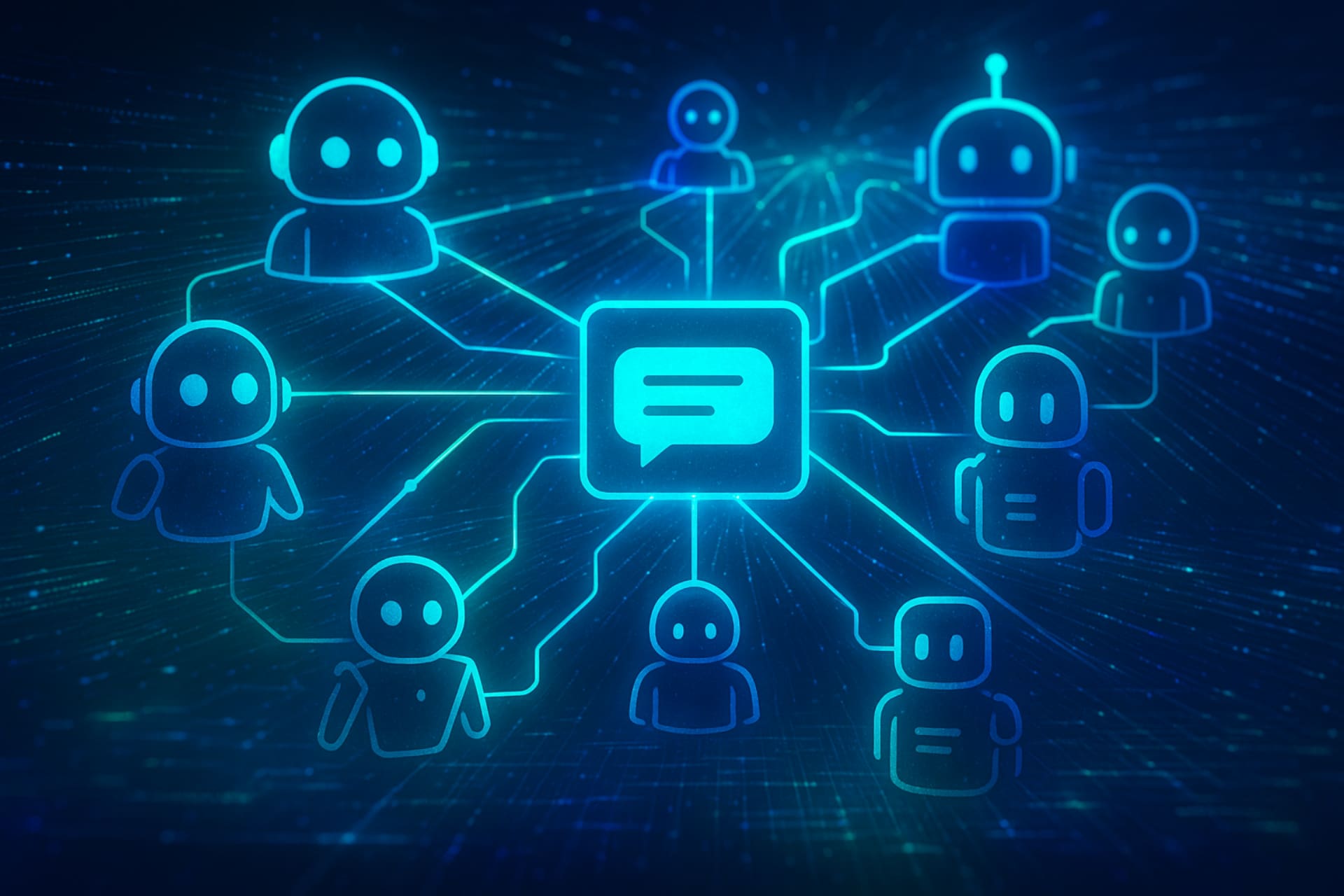
The world of artificial intelligence is changing very fast. One term you’ll hear more and more is “AI agent.” But what are agents in ChatGPT? Does ChatGPT support agents? So, how are these smart systems different from the chatbots we already know? This blog will explain what AI agents are, how they work, and why they matter for the future of AI. It will also show how they connect to tools like ChatGPT.
1. What Exactly Are AI Agents?
At its core, an AI agent is an independent system. It understands its surroundings, makes decisions, and acts to reach specific goals. Think of it as a digital worker or a problem-solver that can operate independently once given a task. These agents aren’t just reacting to prompts; they’re designed to think, plan, and execute.
- What’s the difference between AI and AI agents? Artificial Intelligence (AI) is a broad field. It focuses on creating machines capable of performing tasks requiring human-like intelligence. An AI agent is a special type of AI system. It works on its own, follows goals, and interacts with its environment. All AI agents are AI, but not all AI is an agent.
- How do AI agents work? They typically follow a loop:
- Perception: They collect information from their surroundings. For example, they can read a webpage, respond to a user’s prompt, or analyze data.
- Reasoning/Decision-Making: They take the information and think through it. Using their logic, knowledge, and goals, they decide what action to take next. This often involves planning, breaking down complex tasks, and selecting appropriate tools.
- Action: They then carry out the chosen action. For example, they might write code, send an email, search the web, or use another tool.
- Learning: Many AI agents can learn from their past actions. This helps them get better and smarter over time.
- How many agents are in AI? This isn’t a fixed number. The concept of an “agent” is a theoretical framework in AI. There isn’t a set list of 5 agents of AI in the way you might list five types of animals. Instead, AI research categorizes agents by their capabilities and complexity:
- Simple reflex: Reaction based on current opinion.
- Model-based reflex agents: Keep track of internal state based on past perceptions.
- Goal-based agents: Act to achieve specific goals.
- Use happiness-based agents: Work to maximize “happiness” or utility.
- Learning agents: Improve their performance over time.
2. AI-agent and chat: understand the connection
Now, let’s talk about how this idea connects to conversational AI, which many people already know.
- Is ChatGPT an agent? ChatGPT is not a fully independent AI agent. It doesn’t act on its own; it requires user input. ChatGPT is a Large Language Model (LLM). It’s very good at understanding prompts and creating human-like text in response. It’s a powerful tool that can be used by or integrated into an AI agent. You can think of ChatGPT as the “brain” for many AI agents. It can reason and respond, but it can’t see its surroundings or make long-term plans on its own. It also can’t take real-world actions unless it’s connected to other tools or programs.
- What is an agent in OpenAI? OpenAI, the maker of ChatGPT, is adding more agent-like features to its models. These updates help the system act smarter and handle more complex tasks. While they don’t have a single product called “the OpenAI Agent,” they are enabling agents by:
- Function Calling (Tools): OpenAI’s models, like the ones used in ChatGPT, can now use external tools or APIs. This means the AI can decide when to use a tool—like a calculator, web search, or email app—based on what the user asks. This is a foundational capability for building agents.
- Assistants API: OpenAI’s Assistants API lets developers create smart AI assistants. These assistants can use different tools, find information, and even run code. This makes it much easier to create AI agents powered by OpenAI’s models.
- Does ChatGPT support agents? Developers can use ChatGPT’s advanced language features through APIs and tools. With these, they can build smart AI agents. These agents understand language and create responses using ChatGPT’s powerful models. So, while ChatGPT isn’t an agent itself, it’s a critical component in building sophisticated ones.
- Can ChatGPT create AI agents? In a limited sense, yes. If you give ChatGPT clear instructions and code examples, it can help you build simple AI agents. It can also explain ideas and even write parts of the code for you. However, it cannot deploy or fully “run” a complex agent on its own. It acts as an assistant to you in the creation process.
3. How Powerful Are AI Agents?
The power of AI agents is growing fast. They can now perform tasks that truly change the way we work and live.
- How powerful are AI agents? His power lies in his ability:
- Automate Complex Workflows: They can split complex tasks into smaller steps. Then, they complete each step one by one.
- Reason and Plan: Unlike simple scripts, they can study a situation and plan their next move.
- Utilize Tools: They aren’t limited to what they already know. They can go online, run code, use software, and even send messages.
- Learn and customize: Many agents can get better over time. They learn from feedback and new data.
- Operate Autonomously: Once you give them a goal, they can work on their own. They don’t always need human help.
AI is getting stronger. Now, it’s not just about virtual assistants. AI agents can think and act on their own. They solve problems in many areas — like coding, research, data work, and even creative jobs.
4. Creating Your Own ChatGPT-Powered AI Agent (Practically for Beginners)
Making a complex AI agent usually needs coding skills. But don’t worry — you can still build a simple, goal-based “agent-like” system. You can do this with ChatGPT and easy no-code tools. This demonstrates the core principles of an AI agent: perception, decision, and action.

How Do I Create My Own ChatGPT Agent? (Explain Practically)
This approach focuses on using ChatGPT as the “brain” and connecting it to “actions” you define.
Step 1: Define Your Agent’s Goal
What specific, repeatable task or problem do you want your agent to solve?
Example Goal: “Generate social media posts from a given news article URL.”
Step 2: Choose Your Tools/Platforms (No-Code Friendly)
- You’ll need a platform to connect ChatGPT’s “brain” to external “actions.”
Recommended for Beginners:
- ChatGPT (Plus/Teams/Enterprise): You can use Custom Instructions or the Assistants API. The API is more advanced, but still much easier than coding everything from zero.
- Zapier / IFTTT: For connecting ChatGPT’s output to other apps (e.g., sending an email, posting to social media).
- Make.com (formerly Integromat): Similar to Zapier, often more powerful for complex workflows.
Step 3: “Train” ChatGPT’s Core Logic (The “Brain”)
- Using ChatGPT’s Custom Instructions (Easiest):
- Go to your ChatGPT settings.
- Find “Custom Instructions” (available for Plus/Team/Enterprise users).
- How would you answer the chat? section, define its role and preferred output.
- Example Instruction: “You are an expert social media content generator. When I share a news article link, your job is simple. Read it and find the main points. Then make 3 social posts — one for X (Twitter), one for LinkedIn, and one for Facebook. Each post should be concise, engaging, and include relevant hashtags. Do NOT post them directly, just provide the text.”
- Using ChatGPT’s Assistants API (Requires some setup, but no heavy coding):
- This is a more robust way to build agents. You’d set up an Assistant in your OpenAI Playground account.
- You’d give it “Instructions” similar to Custom Instructions.
- The key part is setting up the Tools the Assistant can use. For example, a web scraper tool to read links. Or a post to a social media tool using Zapier. This allows the Assistant to perceive the URL and take action (via the tools).
Step 4: Connect ChatGPT to External Actions (The “Hands”)
- Using Zapier/Make.com (for beginner-friendly automation):
- Scenario: You want ChatGPT to draft social media posts and then actually post them or send them to you.
- Create a “Zap” (Zapier) or “Scenario” (Make.com):
- Trigger: “New Chat Message in ChatGPT” (e.g., if you use a specific chatbot integration or email trigger). Or, if using a custom app, “New URL submitted.”
- Action 1 (ChatGPT): Send the URL to ChatGPT with your prompt (e.g., “Draft 3 social media posts for this URL: [URL]”).
- Action 2 (Parse Output): Take out only the social media posts from ChatGPT’s reply. Ignore the rest of the text or explanations.
- Action 3 (Social Media Post/Email): Use Zapier or Make.com to share the posts. You can post them on X (Twitter), Facebook, or LinkedIn. You can also send them to your email or Slack channel.
- This setup works like an AI agent. ChatGPT acts as the brain, thinking and planning. Zapier or Make.com are the hands, doing the tasks based on ChatGPT’s output.
Step 5: Test and Iterate
- Run your agent with test data. See if it achieves its goal.
- Refine your ChatGPT instructions or your automation workflow based on the results. This iterative process is key to building an effective agent.
This simple method lets you feel the power of AI agents. You can connect smart AI models with automated workflows. And you can do it all without knowing much about coding.
5. The Future and Ethics of AI Agents
- Are AI agents the future? Absolutely. They represent a significant leap towards more autonomous and intelligent systems. As AI grows smarter, agents will take on harder and more complex jobs. They will change many industries — from customer service to research and everyday work. In the future, AI will handle boring or difficult digital tasks for us. This will give people more time to think, create, and plan.
- Are AI agents free? Most advanced AI agent tools — like OpenAI’s API, Zapier’s premium plans, or Make.com’s higher tiers — cost money. You usually pay based on how much you use them, like the number of tokens or tasks. But don’t worry — many of them offer free plans or basic features so you can start testing without paying.
- Which is the best AI agent? There is no single “best” AI agent. How well an agent works depends on what it’s made to do and where it’s used. What’s “best” for coding might be different from what’s “best” for travel planning or customer support. The field is rapidly evolving, with new, more specialized agents emerging constantly. Right now, the strongest AI agents are custom-made. They use top language models like GPT-4. They also connect with special tools and have strong planning skills.

Stay updated with the latest blogs by visiting our website.